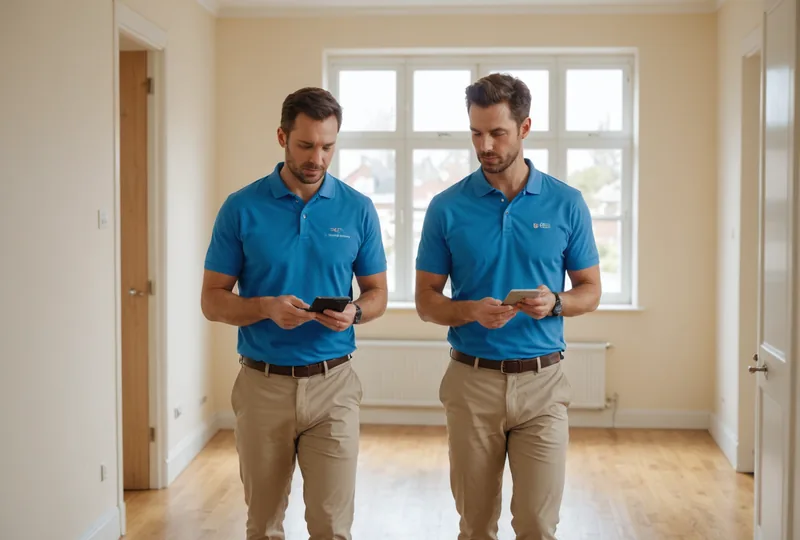
Property Inspection
Move-in and move-out walkthroughs with photo-confirmed room-by-room checks. Condition disputes resolved by the record, not memory.
Learn moreNavigateAI reads the job type, sequences the inspection tasks, prompts each photo check in order, and marks the punch list closed. All from a crew member's phone.
Field crews document everything on site. Then re-type it later. Then email it. Something always gets lost.
~40 min
spent writing up inspection notes after leaving the site
1 in 4
punch list items get reopened due to miscommunication
3 avg
callbacks per job from incomplete or unclear field records
NavigateAI takes the protocol knowledge out of senior technicians' heads and puts it on every crew member's phone.
Everything a field crew needs to close a job correctly, with no after-hours paperwork.
Select a job type and NavigateAI outputs the correct task sequence for that job category, based on standard protocols for property inspection, HVAC, preventive maintenance, and unit turns. No manual checklist building.
Supervisors can review and reorder any generated sequence before dispatching a job. Add local requirements, remove irrelevant steps. The AI learns your preferences over time.
Each task step requires a photo before the crew can advance. No skipping, no fudging. Timestamped, geo-tagged, and linked directly to the job record.
When the final photo is captured, the punch list is automatically marked closed. The completed report exports as a PDF with all photos, timestamps, and crew sign-off. No evening data entry.
Supervisors see all open jobs, their status, and blocking items in one queue. Reassign work, track progress by site, and get notified when a punch list closes without touching a spreadsheet.
Purpose-built sequences for the job types your crews run most.
Move-in and move-out walkthroughs with photo-confirmed room-by-room checks. Condition disputes resolved by the record, not memory.
Learn more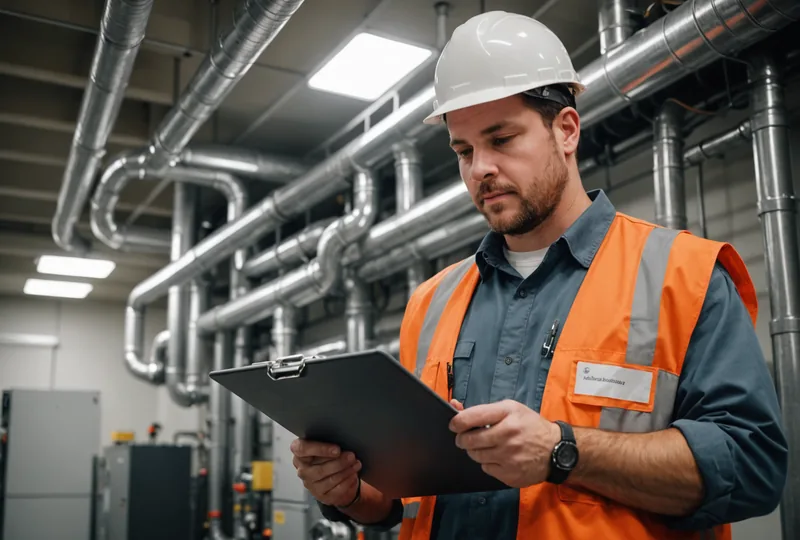
Scheduled rounds follow the correct protocol every time. No steps skipped when crew rotates. Equipment condition documented automatically.
Learn more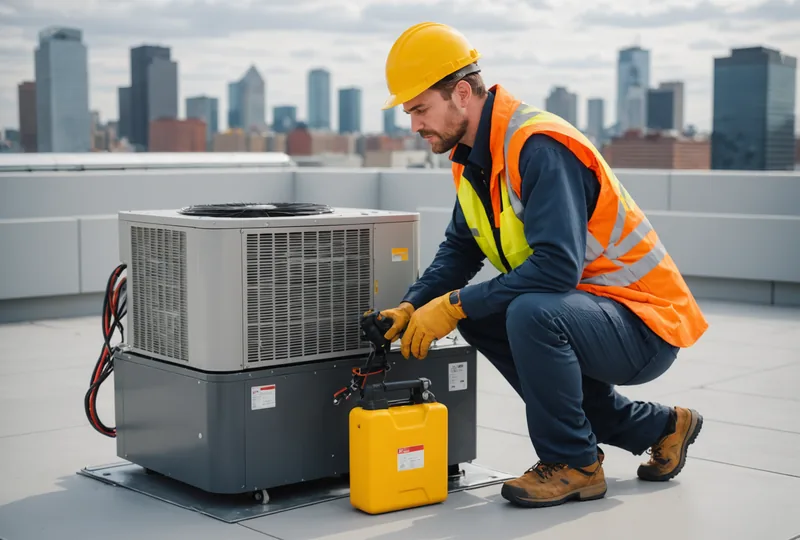
Correct service sequence from the first dispatch. Photo evidence of every valve, reading, and component checked. Close-out report delivered before the tech leaves the site.
Learn moreBefore NavigateAI, my crews would finish an inspection, go home, and spend an hour typing notes into an email chain. The record was always a reconstruction, not a capture. Now it is complete before they walk back to the truck, and we have not had a reopened punch item from any of our pilot sites in the past two months.
Facilities Manager, commercial property management portfolio, from our early-access pilot program
Priced per site, not per seat. Your whole crew works from one subscription.
Field
Up to 10 active users per site, 500 photo checks per month
Portfolio
Unlimited users, unlimited photo checks
Save 20% with annual billing. See full pricing details
Early access is open. Your first 30 days are free, no billing details at signup.